

You are surrounded by them right now.
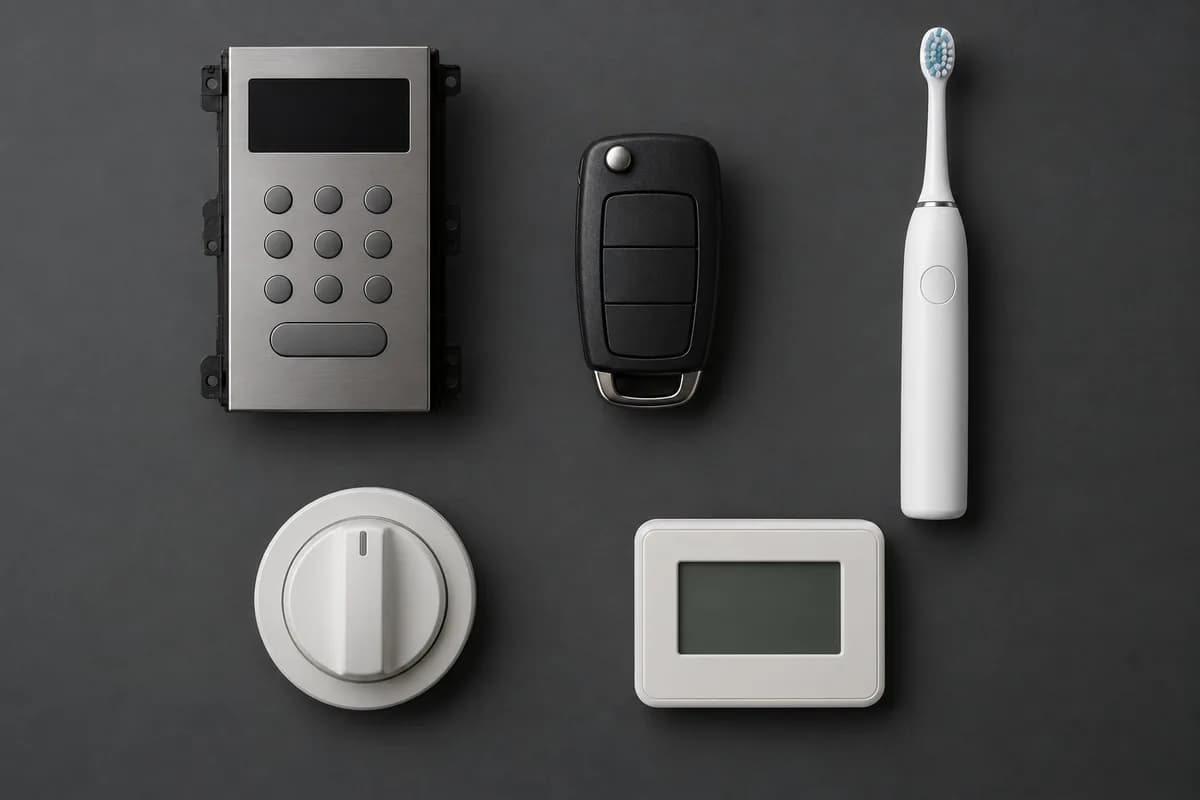
The microwave that counts down. The washing machine that knows which cycle it's on. The car key that talks to your car, the thermostat on the wall, the toothbrush that buzzes after two minutes. Every one of those contains a small computer whose entire purpose is to do that one job, forever, without ever being noticed.
That's a microcontroller. And once you can program one, all of it becomes buildable.
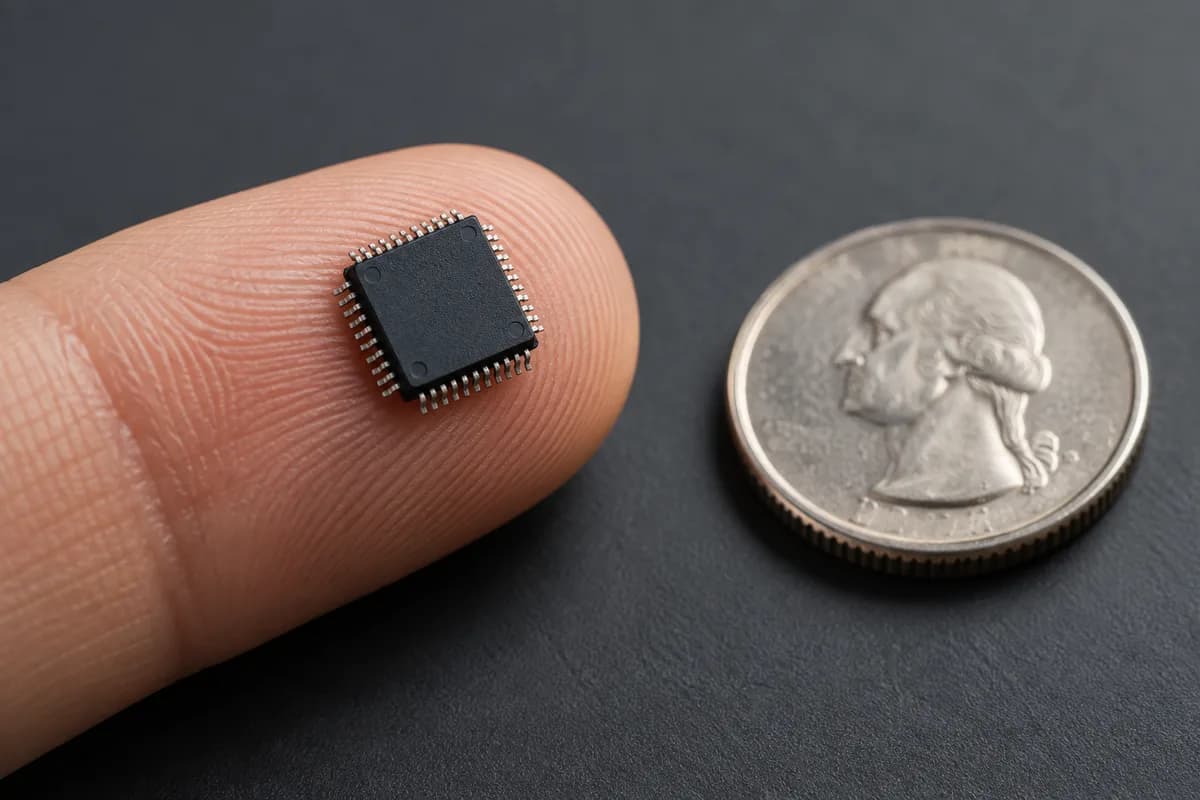
A computer, shrunk onto one chip
Your laptop is made of separate parts: a processor here, memory sticks there, storage somewhere else, all connected by a motherboard.
A microcontroller takes all of that — processor, memory, storage, and the circuitry for talking to the outside world — and puts it on a single piece of silicon a few millimetres across. That's the whole idea, and it's where the name comes from: a micro controller, something small that controls things.
Because everything is on one chip, it's cheap, it's tiny, it sips power, and it starts running the instant electricity reaches it. There's no operating system to boot because there's no operating system at all. Your program is the software on the device.
What's actually inside
Have a look around one. Each block below is a real part of the chip, and clicking one tells you what it does and why you'd care.
Everything below is on a single chip smaller than a fingernail. Tap a block to see what it does.
CPU core
Runs your instructions, one at a time
- The part that actually executes your program — fetch an instruction, do it, fetch the next one.
- Speed is quoted in hertz: 240 MHz means 240 million cycles per second. Most instructions take one or a few cycles.
- Some microcontrollers have two cores, which can genuinely do two things at once.
What that means for you
Fast enough to feel instant, but it does one thing at a time. A long delay() blocks everything else — which is why responsive projects avoid it.
Most of that you never touch directly. The parts you'll meet in your first week are the CPU running your code, the flash holding it, and the GPIO pins connecting it to the world.
The one idea that makes it click
Here's the thing that separates a microcontroller from every other computer you've used:
Software changes the voltage on a physical wire.
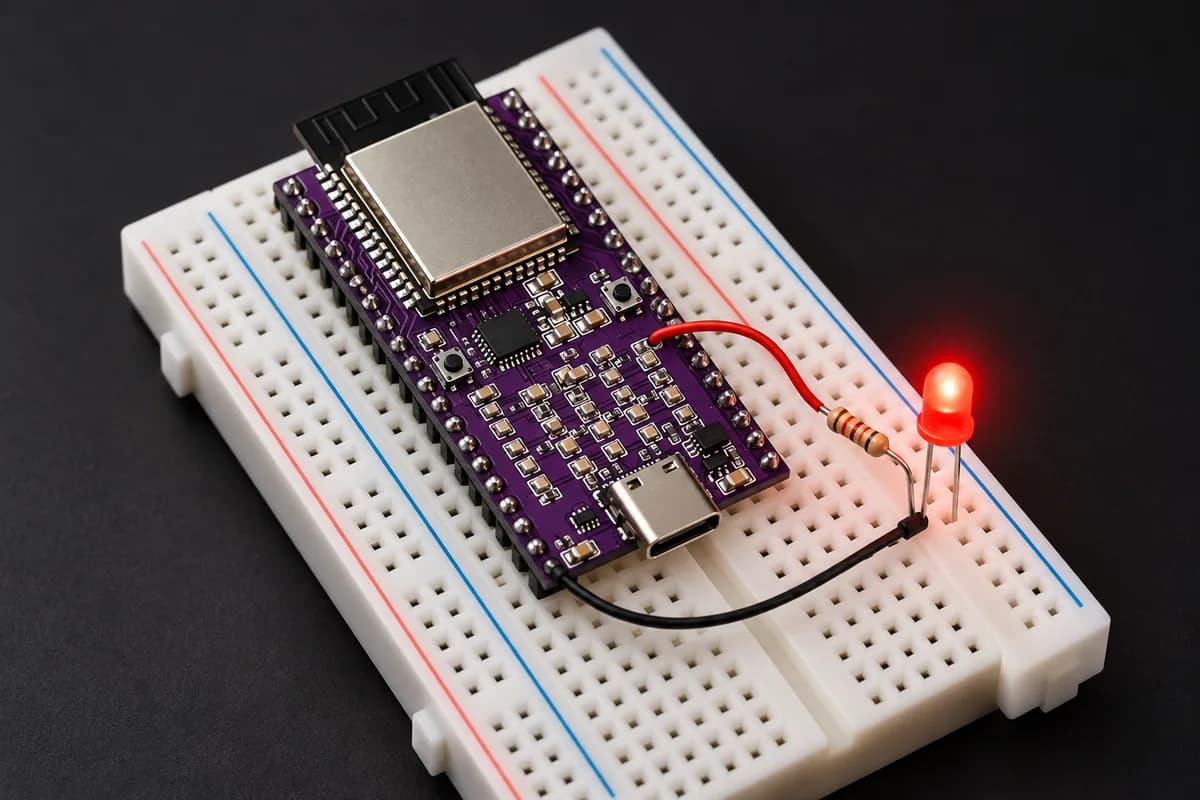
That's it. That's the whole trick. When you write digitalWrite(13, HIGH), the chip puts 3.3 volts on a specific metal pin. Connect an LED to that pin and it lights up. Connect a transistor and you can switch a motor, a pump, a heater, a solenoid lock.
And it works in reverse. A pin set as an input reads whether voltage is present — so a button, a switch, a moisture sensor in a plant pot all become numbers your code can make decisions about.
Everything else — every robot, every smart device, every piece of interactive art — is built from those two moves, repeated and combined.
How a microcontroller program is shaped
Programs on a microcontroller look different from programs on a computer, and the difference matters.
A desktop program starts, does something, and exits. A microcontroller program never exits. There's nothing to exit to — no desktop waiting behind it. So the shape is always the same: a bit of setting up, then a loop that runs until the power is cut.
Press play and watch which lines run, and how many times:
This is the whole shape of an Arduino program. Press play and watch which lines run, and how often.
LED off
pin 13
setup()
Runs once, the moment the board powers up.
- setup() ran
- running…
- loop() ran
- 0 times
Two things are worth noticing there.
setup() runs exactly once. It's where you say what each pin is for, start up sensors, and open a serial connection. It never runs again unless the board resets.
loop() runs forever, as fast as it can. On a 240 MHz chip, an empty loop runs millions of times a second. That relentless repetition is what makes a microcontroller feel instant — it's checking its inputs constantly.
delay(500) is the first thing everyone learns and the first thing everyone outgrows. During a delay the chip does nothing else — it can't read a button or update a display. Getting past that limitation is one of the genuinely satisfying steps in learning this.
What it can do
The honest answer is: anything you can express as watch these inputs, decide, change these outputs.
Sense things. Temperature, humidity, pressure, light, sound, motion, magnetic fields, distance, moisture, weight, acceleration, rotation. If it can be measured, there's a small sensor for it, and it probably costs a few dollars.
Move things. LEDs and displays, motors and servos, pumps and valves, relays that switch mains-powered appliances, buzzers and speakers.
Talk. Wi-Fi, Bluetooth, radio links that work over kilometres, or a plain wire to another chip.
Remember and decide. Log readings over time, average them, spot a threshold, act on a schedule.
Combine those and you get real things: a greenhouse that waters itself when the soil dries out, a bike light that brightens as dusk falls, a costume whose lights react to movement, a drone that holds level because it's reading its own tilt hundreds of times a second.
What it isn't
This is where beginners lose time, so it's worth being blunt. A microcontroller is not a small laptop, and treating it like one leads to frustration.
One chip, one job, forever
- Starts in
- Milliseconds — no operating system to boot
- Runs
- Exactly one program, straight from flash
- Memory
- Hundreds of KB of RAM
- Power
- Milliamps awake, microamps asleep
- Typical cost
- A few dollars
- Timing
- Predictable to the microsecond
Good at
- Reacting to a sensor in real time
- Running for months on a battery
- Driving pins, LEDs, motors and servos directly
- Starting instantly when power arrives
Not the tool for
- Running several programs at once
- Anything needing a screen, files and a desktop
- Heavy computation — video, large datasets
The short version: if your project needs a screen, a file system, a camera and a web browser, you want a single-board computer. If it needs to read a sensor every millisecond, run for a month on a battery, and start instantly when power arrives, you want a microcontroller. Plenty of serious projects use both, with each doing what it's good at.
The names you'll run into
Shopping for one is confusing because the marketing names, the chip names and the board names all get used interchangeably.
| You'll see | What it actually is |
|---|---|
| ATmega328P | The chip on a classic Arduino Uno. 8-bit, 16 MHz, very simple, extremely well documented |
| ESP32 / ESP32-S3 | A family with Wi-Fi and Bluetooth built in. Dual-core, fast, lots of memory — the common choice now |
| RP2040 | The Raspberry Pi Foundation's chip. Two cores, unusual and clever I/O hardware |
| STM32 | A huge professional family, from tiny to powerful. Steeper learning curve |
| Arduino | Not a chip — a brand of boards plus the programming environment. Arduino code runs on all of the above |
That last row causes most of the confusion. Arduino is a way of writing code, not a kind of chip. When someone says a board is "Arduino compatible," they mean you can program it with the Arduino IDE, whatever chip is actually on it.
A development board — the green or black rectangle with pin headers — is a microcontroller plus the supporting parts that make it convenient: a USB connector, a voltage regulator, a reset button, and headers you can plug wires into. The chip alone would need all of that built around it before you could use it.
Why the timing is good
Microcontrollers have been around for decades, but three things changed recently that make now an unusually good moment to learn.
They got powerful and stayed cheap. A board with two 240 MHz cores, Wi-Fi, Bluetooth and megabytes of memory costs less than lunch. That was laboratory equipment twenty years ago.
Sensors got absurdly good. The motion sensor in a modern board is the same class of part that stabilises drones and phones. A barometer sensitive enough to detect you carrying it upstairs costs a couple of dollars.
The tools stopped being hostile. You can write a program, plug in a USB cable, click one button, and watch it run. No programmer hardware, no toolchain archaeology.
Where to go from here
You don't need to understand everything above before you build something — nobody did. The usual path is to blink an LED, feel slightly underwhelmed, then realise that the same two moves scale up to anything.
- Powering your project — the most common cause of baffling bugs, and how to avoid them
- Vector S3 quick start — plug a board in and light something up
- Vector S3 pinout — an interactive map of every pin on a real board, and what each one does
The gap between reading about this and doing it is one USB cable wide.